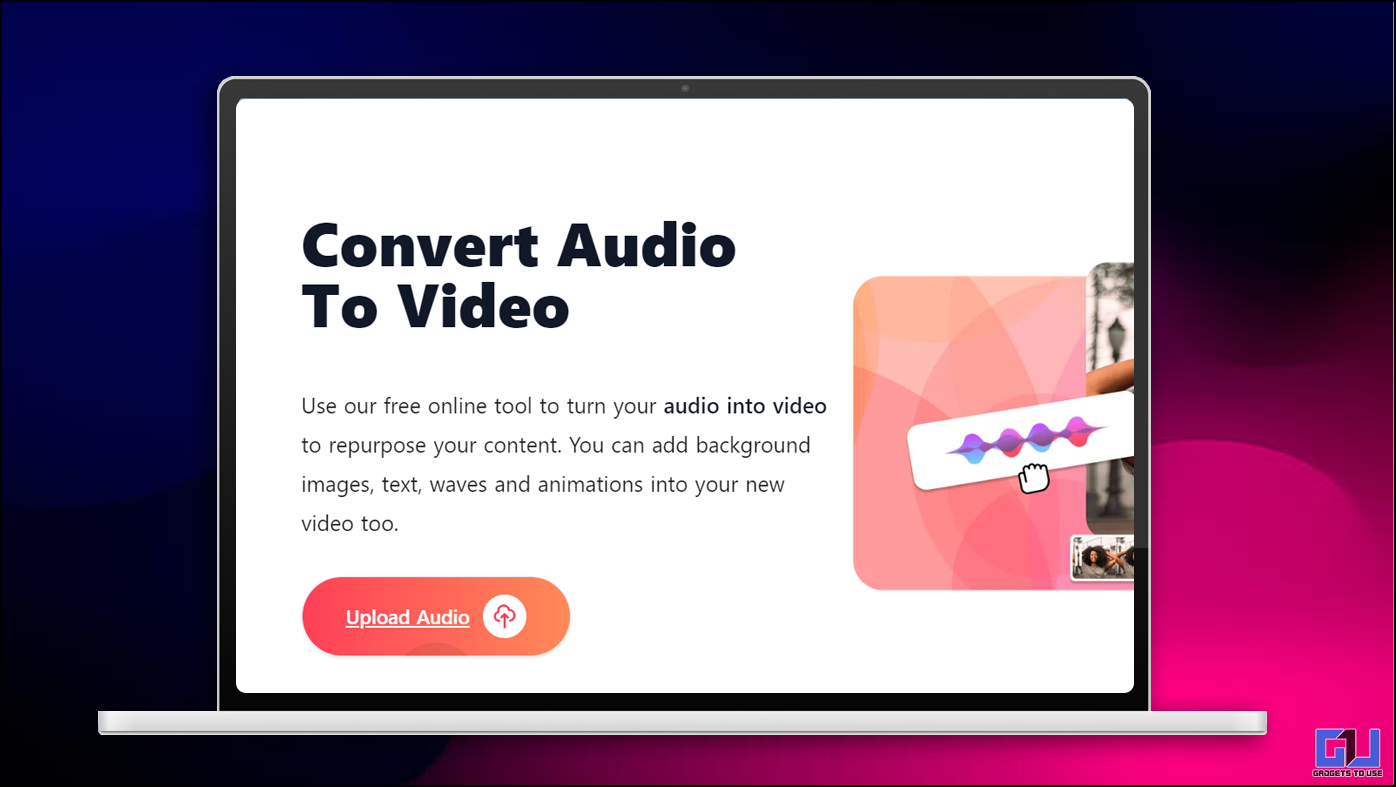

Creating any video takes effort and time, proper? That is the fundamental concept that everybody has, however now, all of that’s about to vary. Would you consider me if I instructed you you can create video content material utilizing simply your voice? Sure, simply your audio file will do. Curious? Then, learn alongside.
Can You Make Movies Utilizing Simply Audio?
We are going to share among the greatest video crafting instruments utilizing audio solely. The notion you can create a uncooked video with audio is applaudable. Relaxation assured we’ve got examined a number of instruments and can share the most effective ones solely.
Technique 1 – Pictory
Pictory is a free software that means that you can create movies with minimal effort. You can also make a correct video utilizing simply AI, or you may mix totally different movies to create a recent video. Comply with the steps beneath to get began.
1. Open the Pictory web site and check in utilizing your most popular methodology.

2. As soon as signed in, you’ll land on a web page exhibiting totally different video-generating strategies.
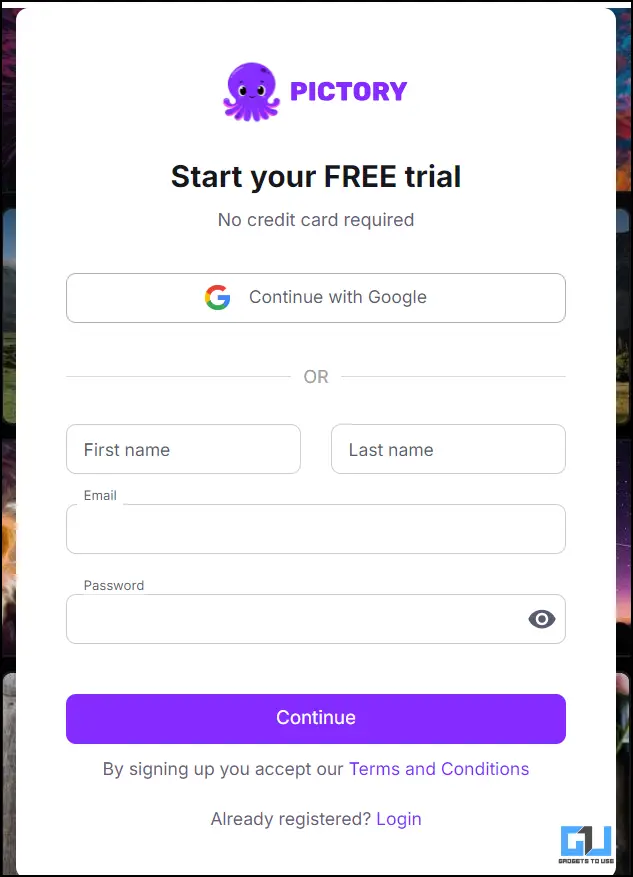

3. Click on on the third choice, Edit Movies utilizing AI.

4. Add your audio, then click on proceed.

5. You possibly can choose your fashion from the preloaded ones and add photographs or movies to your video by clicking on “Customise Video.”
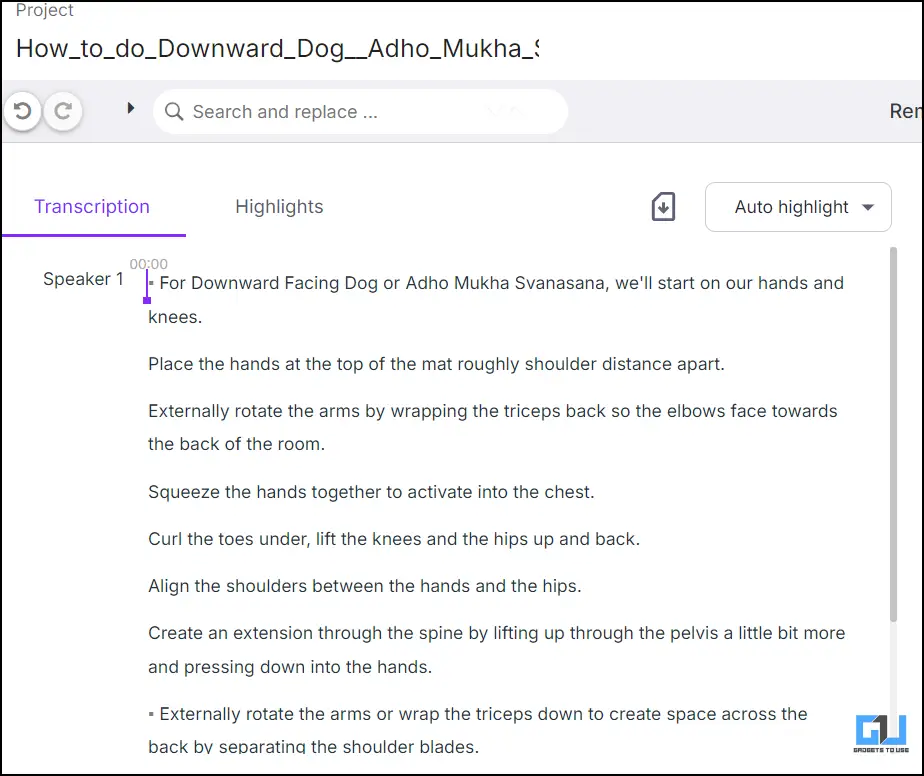
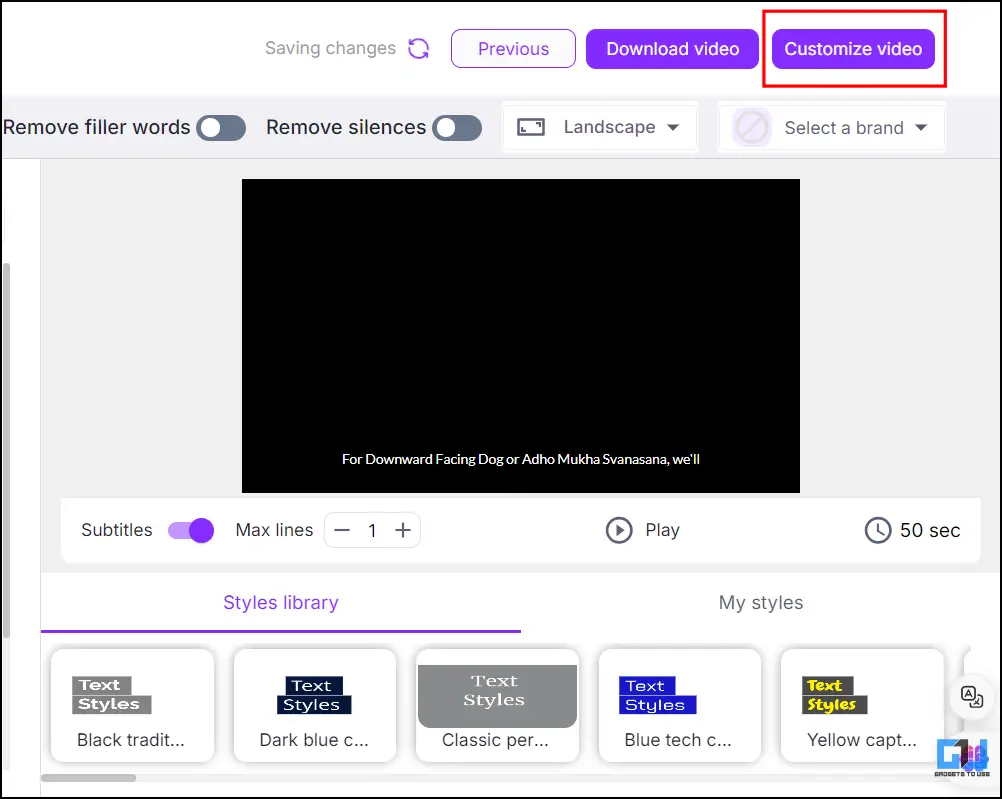
6. Your video can be damaged into scenes, and you’ll customise every scene.

7. Click on on visuals so as to add photographs and animations. You may also add movies, texts, or model logos.

8. Click on on obtain. If you wish to preview the video, click on on Preview.

Technique 2 – Echowave
Echowave is one other helpful software for crafting movies. You possibly can entry their web site straight and begin creating. This software is just not free, however given the instruments and high quality of video you may generate, it’s value it. I personally favored it rather a lot; customizing even probably the most minor issues goes a great distance.
1. Go to the web site of Echowave.

2. Click on on “Add Audio” and choose the file you need to add.

3. As soon as your audio is uploaded, you may add your photographs.
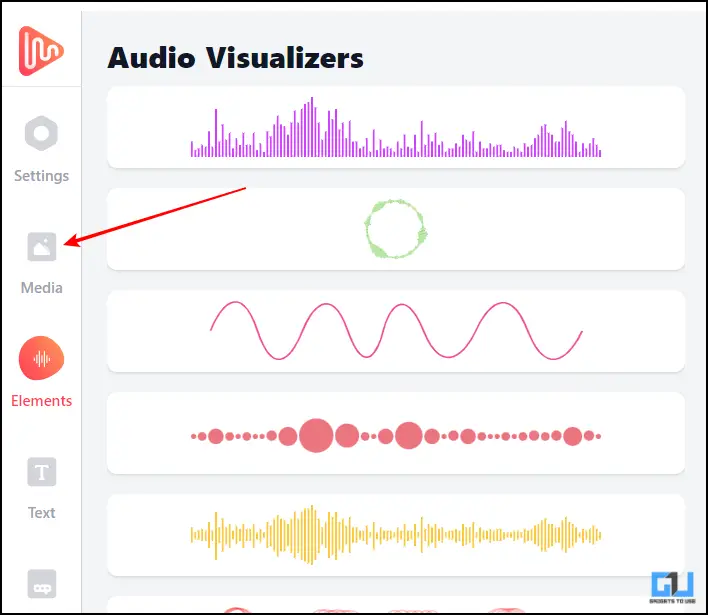
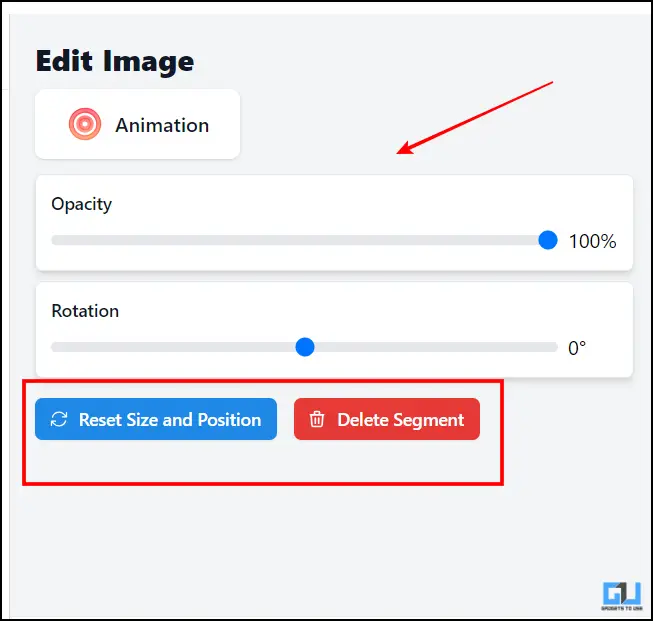
4. You may also edit and animate your photographs simply as proven within the picture.
5. Click on on export on the highest proper of your display screen for obtain.

6. Then, click on on Obtain and select a plan in your liking. After fee, it is possible for you to to obtain it.

FAQs
Q. How Can We Make Movies With AI for Free?
You need to use Pictory or Echoshow to create movies utilizing audio and pictures or to create a brand new video. You’ll find an in depth article for a similar above.
Q. Is Pictory Free to Use?
Sure, you may create a number of free movies and customise them. We’ve hooked up an in depth information to the article above.
Q. What Is the Finest Device to Make Movies Utilizing One’s Audio?
You need to use Pictory to add your audio. As soon as that’s performed, you may add related photographs and create your photographs.
Wrapping Up
We’ve lined two instruments for creating movies utilizing audio solely. I’ve made movies and will add any visuals to the video I wished. All the course of was pretty simple, and the most effective half was that I may additionally add my real-time audio. You’ll find extra such content material on GadgetsToUse.
You may also comply with us for immediate tech information at Google Information or for ideas and methods, smartphones & devices evaluations, be part of the GadgetsToUse Telegram Group, or subscribe to the GadgetsToUse Youtube Channel for the newest evaluation movies.